

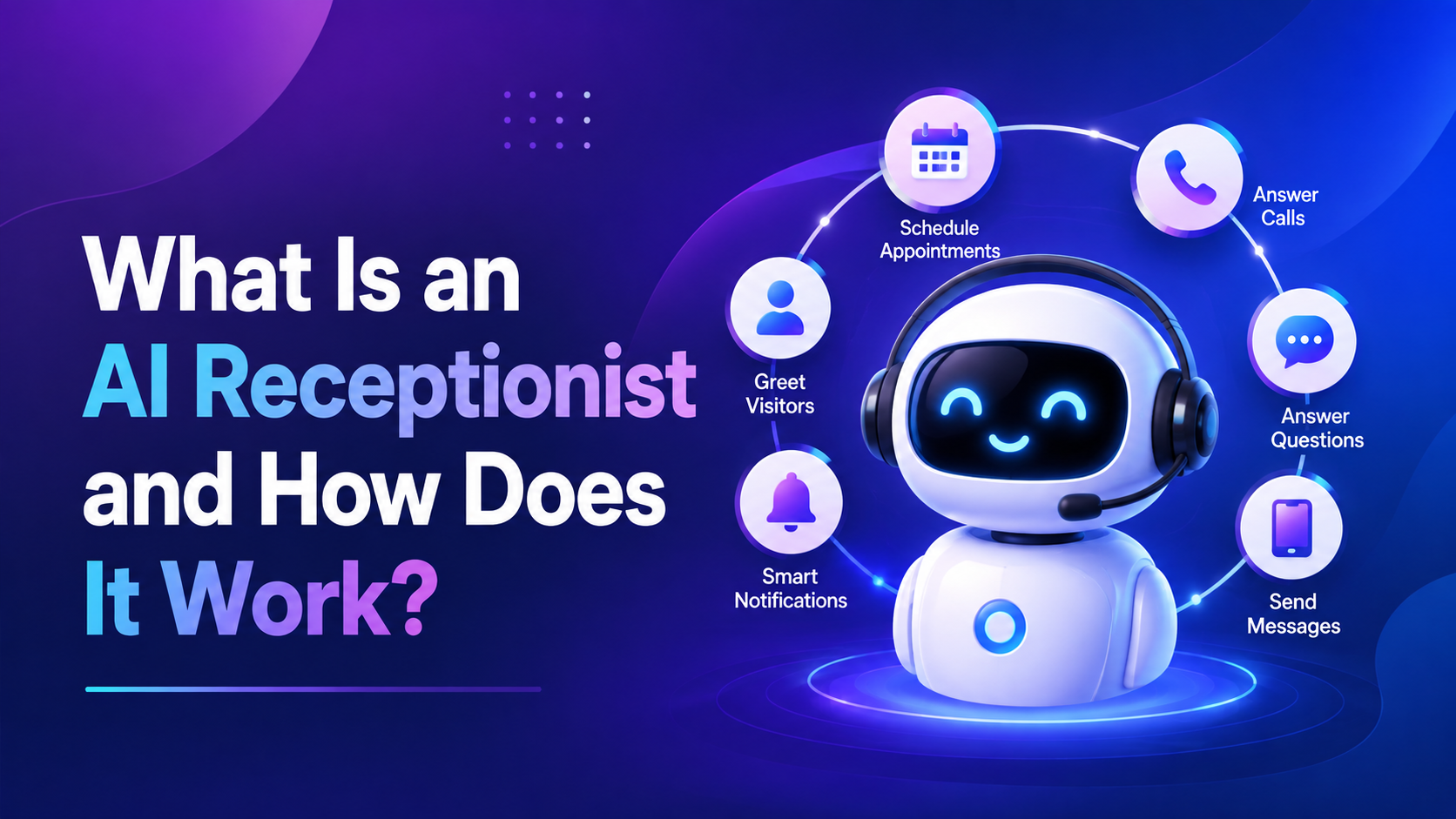
Running a business means dealing with a lot of phone calls.
Some calls come from new customers. Others are about appointments, prices, services, directions, or simple questions. The problem is that you cannot always answer every call. You may be talking to a customer, working on a job, sitting in a meeting, or simply away from your phone.
And when a customer calls and nobody answers, they may not call again.
They may simply move on to another business.
This is one reason more businesses are starting to use AI receptionists. An AI receptionist can answer calls, talk with customers, collect information, book appointments, and send important calls to the right person.
It works like a digital receptionist for your business. It can take care of many simple phone tasks while your team focuses on the work that needs a real person.
In this guide, we will explain what an AI receptionist is, how it works, what it can do, how much it may cost, and whether it could be useful for your business.
What Is an AI Receptionist?
An AI receptionist is a software system that answers business phone calls and talks to callers using artificial intelligence.
Instead of sending every caller to voicemail or asking them to press different numbers, the AI can have a normal conversation with them. The caller can explain what they need, and the AI can respond based on the information and rules given to it.
For example, a customer might say:
“I need to book an appointment for next Tuesday afternoon.”
The AI can understand the request, check the business calendar if it is connected, and help the customer find an available time.
It can also collect the customer’s name, phone number, service details, or other information that the business needs.
Depending on how it is set up, an AI receptionist can:
- Answer incoming calls
- Take calls after business hours
- Answer common questions
- Collect customer information
- Capture new leads
- Qualify potential customers
- Book appointments
- Reschedule appointments
- Cancel appointments
- Send text messages
- Update CRM records
- Transfer calls to employees
- Take messages
- Handle basic customer requests
The easiest way to think about it is simple: an AI receptionist works like a digital front desk for your business.
What Can an AI Receptionist Do?
An AI receptionist can do much more than simply answer the phone.
The exact features depend on the system you use and the way it is configured. Some businesses only need basic call answering, while others connect their AI receptionist to calendars, CRMs, booking systems, and other tools.
Here are some of the most common things an AI receptionist can handle.
1. Answer Incoming Calls
The first job of an AI receptionist is to answer the phone.
When a customer calls, the AI can greet them and ask how it can help. This means the caller does not have to wait for someone to become available.
This can be especially useful during busy hours when employees are already helping other customers.
For example, a plumbing company may have technicians out on jobs all day. Instead of letting calls go to voicemail, the AI can answer them and collect the details of each job.
2. Answer Common Questions
Most businesses get the same questions again and again.
Customers may ask about opening hours, services, locations, prices, appointment times, or service areas. Answering these questions may only take a minute, but those minutes add up during a busy day.
An AI receptionist can answer these common questions using information provided by the business.
It can help customers with things such as:
- Business hours
- Services offered
- Service areas
- Locations
- Basic pricing information
- Appointment information
- Company policies
- Frequently asked questions
This gives employees more time to focus on customers who actually need their attention.
3. Book Appointments
Appointment booking is one of the most useful jobs for an AI receptionist.
If the AI is connected to a calendar or booking system, it can check available times and help the caller choose an appointment.
For example, instead of saying, “Someone will call you back to arrange a time,” the AI can handle the booking during the same phone call.
It can also help with rescheduling and cancellations if the business allows those actions.
4. Capture and Qualify Leads
Not every person who calls a business is ready to become a customer.
An AI receptionist can ask a few simple questions to understand what the caller needs and whether they are a good fit for the business.
For example, a roofing company might ask:
- What type of roofing work do you need?
- Where is the property located?
- What kind of problem are you having?
- How soon do you need the work?
The AI can record these answers and send the information to the sales team.
This means the employee receiving the lead already knows the basic details instead of starting the conversation from zero.
5. Transfer Calls to the Right Person
Some calls should always reach a human.
An AI receptionist can be programmed to transfer calls based on what the customer needs.
For example:
- Sales questions → Sales team
- Billing questions → Accounts team
- Customer problems → Support team
- Urgent requests → On-call employee
The AI can first understand the reason for the call and then send it to the right person.
This is much easier for customers than being passed through several departments before finding someone who can help.
6. Send Follow-Up Messages
An AI receptionist can also start actions after a phone conversation.
For example, after a customer books an appointment, the system could send a confirmation by text message.
Depending on the setup, it may also send:
- Appointment reminders
- Lead notifications
- Follow-up messages
- Customer information requests
- Confirmation texts
This can save employees from doing these small tasks manually.
How Does an AI Receptionist Work?
The technology behind an AI receptionist may sound complicated, but the basic idea is easy to understand.
A caller speaks to the AI. The system turns the speech into information, figures out what the caller wants, checks the business information or connected tools, and then gives an answer.
The process usually looks something like this:
Incoming Call → Speech Recognition → AI Understands Request → Business Information → Action → Voice Response → Human Transfer if Needed
Let’s look at each step in simple terms.
Step 1: The Customer Calls the Business
Everything starts with a normal phone call.
The customer calls the business number, and the call is connected to the AI receptionist.
Instead of hearing voicemail, the customer gets an immediate answer.
The AI can start with a simple greeting and ask the caller what they need help with.
Step 2: The AI Understands the Customer’s Voice
The customer speaks normally, just like they would speak to a person.
The AI uses speech recognition and Natural Language Processing (NLP) technology to turn those spoken words into information that the system can understand.
For example, if someone says:
“I need to get my AC fixed tomorrow.”
The system needs to understand that the customer is looking for an AC repair service and wants an appointment soon.
Modern voice AI can understand many different ways of saying the same thing, although results can vary depending on the technology, background noise, accents, and call quality.
Step 3: The AI Figures Out What the Customer Wants
Once the system understands the customer’s words, it needs to figure out the reason behind the call.
This is often called intent recognition.
For example, a customer might say:
“My air conditioner stopped working and my house is getting really hot. Can someone come today?”
The AI may understand:
- Service: AC repair
- Problem: Air conditioner not working
- Urgency: Same day
- Customer request: Schedule a technician
The AI can then decide what information it needs next.
Step 4: The AI Uses Business Information
An AI receptionist cannot give useful answers if it does not know anything about the business.
The business can provide information such as:
- Services
- Business hours
- Locations
- Service areas
- Prices or pricing rules
- FAQs
- Appointment rules
- Company policies
This information helps the AI give answers that match the actual business.
It is important to keep this information accurate. If the business changes its hours, prices, or policies, the AI’s information should be updated too.
Step 5: The AI Takes Action
This is where an AI receptionist becomes more useful than a basic automated phone system.
It can connect with other business software and take actions based on the conversation.
For example, it may:
- Check a calendar
- Book an appointment
- Create a new lead
- Update a CRM
- Send an SMS
- Create a support request
- Find customer information
- Transfer the call
So the AI is not just talking.
It can actually help move the customer’s request forward.
Step 6: The AI Gives a Voice Response
After understanding the customer and checking the information it needs, the AI responds using a computer-generated voice.
The goal is to make the conversation feel natural and easy.
The customer should not need to learn special commands or remember which number to press.
They can simply explain what they need.
Step 7: The AI Transfers the Call When Needed
AI cannot handle every situation.
Sometimes the best thing it can do is connect the caller with a real person.
For example, if a customer has a complicated complaint or asks for something outside the AI’s abilities, the system can transfer the call to an employee.
A good setup can also pass the information already collected to the employee. This helps avoid making the customer repeat the same story again.
A Real-World Example of an AI Receptionist
Imagine a plumbing company that gets a call at 8:00 PM on Saturday.
The office is closed, and the owner is spending time with his family.
Normally, the call might go straight to voicemail.
But with an AI receptionist, the customer gets an answer.
The customer says:
“My water heater is leaking. Can someone come tomorrow?”
The AI can ask a few questions to understand the problem.
It can ask where the property is located, what exactly is happening, and how urgent the situation is.
If the company has appointments available, the AI can check the booking system and offer available times.
The customer chooses a time.
The AI confirms the appointment and can send a text message with the booking details.
The company can then receive the customer’s information in its CRM or scheduling system.
The owner did not have to answer the phone at 8:00 PM, but the business still had a chance to capture the customer.
That is one of the main reasons businesses use AI receptionists.
AI Receptionist vs. Human Receptionist
An AI receptionist does not always mean replacing a human receptionist.
In many businesses, the better approach is to let AI handle simple and repetitive calls while humans deal with situations that need more attention.
For example, AI can answer common questions and book appointments, while a human employee handles an upset customer or a complicated request.
| Feature | AI Receptionist | Human Receptionist |
| Availability | Can work 24/7 | Usually works set hours |
| Multiple calls | Can handle many calls depending on the system | Limited by staff available |
| Routine questions | Very good | Very good |
| Appointment booking | Can be automated | Usually handled manually |
| CRM updates | Can be automated | Often done manually |
| Complex problems | Can transfer to a person | Can handle directly |
| Empathy | Limited | Strong |
| Scalability | Easy to scale | Requires more staff |
| Consistency | Follows set rules | Depends on training and workload |
The goal does not have to be replacing people.
A better goal is often to let AI take care of the repetitive work so employees can spend more time on customers who actually need them.
AI Receptionist vs. Virtual Receptionist
The names sound similar, but there is an important difference.
A virtual receptionist is usually a real person working remotely who answers calls for your business.
An AI receptionist is software that uses artificial intelligence to have the conversation.
Both options can help businesses avoid missed calls, but they work in different ways.
| Feature | AI Receptionist | Virtual Receptionist |
| Call answered by | AI | Human |
| Availability | Often 24/7 | Depends on provider |
| Scaling | High | Depends on available staff |
| Routine calls | Excellent fit | Good fit |
| Complex calls | Usually transfers | Human handles directly |
| Personal interaction | AI conversation | Human conversation |
| Cost structure | Usually software and usage based | Usually service or staffing based |
The better choice depends on your business, call volume, budget, and the type of conversations your customers usually have.
What Are the Benefits of an AI Receptionist?
There are several reasons businesses are adding AI to their phone systems.
The biggest benefit is not simply that the AI can answer a phone. The real value comes from what happens after the call is answered.
1. Fewer Missed Calls
A missed call can be a missed business opportunity.
A potential customer may call several businesses while looking for a service. If your business does not answer, they may simply call someone else.
An AI receptionist gives every caller a chance to speak with someone immediately.
Even when your employees are busy, the AI can answer and collect the customer’s information.
2. 24/7 Call Coverage
Customers do not always call between 9 AM and 5 PM.
Some people search for services after work. Others may need help on weekends or holidays.
An AI receptionist can provide coverage during times when your office is closed, depending on how the system is configured.
This means customers can still get basic help or leave useful information instead of only hearing voicemail.
3. Less Repetitive Work for Employees
Employees often spend a large part of their day answering simple questions.
They may answer the same questions about opening hours, services, appointments, and locations dozens of times.
An AI receptionist can handle many of these conversations.
This gives employees more time to focus on work that needs their experience and attention.
4. Faster Appointment Booking
Customers usually prefer quick answers.
If someone has to wait several hours for a callback just to book an appointment, they may lose interest.
An AI receptionist can help customers book available times during the same call when it is connected to the right scheduling system.
This can make the process easier for both the customer and the business.
5. Better Lead Response
When someone calls a business, there is usually a reason.
They may be looking for a service, asking for a quote, or trying to book an appointment.
An AI receptionist can answer immediately, ask important questions, and send the lead to the right employee.
This can help businesses respond faster instead of discovering missed calls hours later.
6. More Consistent Call Handling
Human employees can have good and bad days.
They may also give different answers depending on their training or how busy they are.
An AI receptionist follows the rules and information it has been given.
With proper setup and regular updates, this can help create a more consistent experience for callers.
7. Less Manual Data Entry
Writing down information from every phone call takes time.
An AI receptionist can collect information during the conversation and send it to connected systems automatically.
For example, a lead’s name, phone number, service request, and appointment details can be added to a CRM or other business system.
This reduces the amount of repetitive work employees have to do after each call.
How Much Does an AI Receptionist Cost?
There is no single price for an AI receptionist.
The cost depends on the provider, the number of calls you receive, the features you need, and the business software you want to connect.
Some systems are designed for simple call answering, while others are built around more advanced business automation.
When looking at pricing, you may see costs related to:
- Monthly software fees
- Call minutes
- Number of phone lines
- Concurrent calls
- Setup and implementation
- CRM integrations
- Calendar integrations
- SMS messages
- Custom workflows
- Human call transfers
- Reporting and analytics
A cheap system is not always the best option.
If an AI receptionist costs more but helps your business capture more leads and book more appointments, it may provide more value.
That is why businesses should look at the overall return, not just the monthly price.
How to Calculate the ROI of an AI Receptionist
You can make a simple estimate by looking at how many extra leads the system might help you capture.
For example, imagine a service business receives 300 calls every month.
Suppose the AI receptionist helps capture 20 qualified leads that would have otherwise been missed.
If the business converts 25% of those leads and each customer is worth an average of $500:
20 × 25% × $500 = $2,500
That means those additional leads could represent $2,500 in potential monthly revenue.
This is only an example. It does not mean every business will get the same result.
Your actual numbers will depend on your call volume, lead quality, conversion rate, average customer value, and the cost of your AI receptionist.
Which Businesses Can Use an AI Receptionist?
AI receptionists can be useful for many types of businesses.
They are especially helpful for companies that receive a lot of phone calls or depend on quick responses from potential customers.
Healthcare and Dental Practices
Medical and dental offices often receive calls about appointments, cancellations, office hours, and general information.
An AI receptionist can help with tasks such as:
- Appointment requests
- Rescheduling
- Cancellations
- Office-hour questions
- Basic information
- Call routing
However, healthcare businesses need to be careful when handling sensitive patient information. They should review privacy, security, and applicable legal requirements like HIPAA compliance before using AI for these tasks.
Real Estate Businesses
Real estate agents are often busy showing properties, meeting clients, or driving.
Missing a call from a new buyer or seller can mean missing a valuable lead.
An AI receptionist can collect information such as:
- What type of property the person wants
- Whether they are buying or selling
- Their preferred location
- Their budget
- When they want to speak with an agent
The AI can then send the lead to the right person.
Plumbing, HVAC, and Electrical Businesses
Home-service businesses are a strong use case for AI receptionists.
Technicians are often out on jobs and cannot stop to answer every call.
An AI receptionist can collect the customer’s problem, location, urgency, and preferred appointment time.
It can then schedule the job or send the details to the team.
This can be especially useful for calls that come in during evenings and weekends.
Law Firms
Law firms receive many different types of calls.
Some people want to become new clients, while others may already have a case or simply need basic information.
An AI receptionist can help with:
- New client intake
- Consultation scheduling
- Basic questions
- Call routing
- Message collection
However, legal questions that require professional judgment should be passed to a qualified person.
What Can’t an AI Receptionist Do?
AI receptionists can handle many everyday tasks, but they are not perfect.
There will always be situations where a human is the better choice.
For example, an AI may struggle with:
- Very emotional conversations
- Complicated complaints
- Unusual requests
- Sensitive situations
- Complex negotiations
- Professional decisions
- Certain legal or medical questions
- Requests outside its available information
This is why a good AI receptionist should not be designed to answer everything.
It should know when it can help and when it needs to bring a human into the conversation.
That balance is important.
The best setup is usually AI for routine work and humans for situations that need judgment, empathy, or expertise.
How to Choose the Right AI Receptionist
There are many AI receptionist solutions available, and they are not all built the same way.
Before choosing one, think about what your business actually needs.
A system with dozens of features may look impressive, but those features do not matter if they do not solve your actual problems.
Here are some important things to check.
1. Voice Quality
The AI should be easy to understand.
If the voice sounds unnatural, cuts people off, or struggles to understand callers, customers may become frustrated.
Try listening to real demos and, if possible, test the system yourself before making a decision.
2. Customization
Your business is different from every other business.
The AI should be able to understand your services, rules, hours, FAQs, and customer process.
You should also be able to control what the AI can and cannot say or do.
3. Business Integrations
An AI receptionist becomes much more useful when it can work with your existing tools.
Look for integrations with systems such as:
- CRM
- Calendar
- Booking software
- SMS platforms
- Customer databases
- Help-desk systems
The goal is to make the AI part of your existing workflow instead of creating another system your employees have to manage.
4. Human Handoff
This is one of the most important features.
There should be clear rules for when the AI should stop handling the call and transfer it to a person.
The transfer should also be smooth. Ideally, the employee should receive the information the AI already collected.
5. Reporting and Analytics
You should be able to see what is happening with your calls.
Useful reports may include:
- Number of calls
- Call outcomes
- Appointment bookings
- Lead information
- Common customer questions
- Calls transferred to humans
- Missed opportunities
This information can help you understand whether the AI is actually helping the business.
6. Security and Data Handling
Phone calls can contain private customer information.
Before choosing a provider, understand how customer data is stored, processed, protected, and deleted.
If your business handles sensitive information, you should also check the privacy and compliance requirements, GDPR or local data protection laws, that apply to your industry.
How SQUB AI Can Help
Every business handles phone calls differently.
A simple business may only need an AI to answer calls and take messages. Another business may need the AI to qualify leads, book appointments, update a CRM, send text messages, and transfer important calls to employees.
That is where a customized approach can make a difference.
At SQUB AI, we build AI automation systems around the way a business actually works. The goal is not just to put an AI voice on your phone. The goal is to connect the AI with the processes your team already uses.
Depending on your business needs, an AI receptionist can help with:
- Answering incoming calls
- Qualifying leads
- Booking appointments
- Updating CRM records
- Sending SMS follow-ups
- Routing calls
- Collecting customer information
- Escalating calls to human employees
This means the AI can become part of your business workflow instead of working as a standalone phone bot.
If your team spends too much time answering the same questions or you regularly miss calls from potential customers, an AI receptionist may be worth exploring.
Conclusion: Is an AI Receptionist Right for Your Business?
An AI receptionist is more than a system that answers the phone.
When it is properly set up, it can answer customer questions, collect lead information, schedule appointments, send follow-up messages, update business systems, and connect customers with the right employee.
For businesses that receive a lot of calls, this can remove a large amount of repetitive work.
It can also help businesses respond to customers when employees are busy or the office is closed.
But AI does not need to replace your team.
In many cases, the best setup is simple: let AI handle the routine calls and let your employees handle the conversations that need a human touch.
If your business is losing leads because calls go unanswered, or your employees spend too much time doing repetitive phone tasks, an AI receptionist could be a practical solution.
SQUB AI can help you identify where AI-powered phone automation could fit into your current workflow.
Book a Free Automation Audit with SQUB AI to find out where automation could save your team time, improve response speed, and help you capture more business opportunities.
Frequently Asked Questions About AI Receptionists
What is an AI receptionist?
An AI receptionist is a voice-based software system that answers business calls and talks with customers. It can answer questions, collect information, book appointments, capture leads, and transfer calls to employees.
How does an AI receptionist work?
It uses speech recognition and conversational AI to understand what a caller says. It can then use business information and connected tools to answer questions or complete tasks.
Can an AI receptionist book appointments?
Yes. If it is connected to a compatible calendar or booking system, it can check available times and help customers book, reschedule, or cancel appointments.
Can an AI receptionist transfer calls to a human?
Yes. A properly configured AI receptionist can transfer calls when a customer asks for a person or when the request is too complex for the AI to handle.
How much does an AI receptionist cost?
The price depends on the provider, call volume, features, integrations, and level of customization. Some systems charge monthly fees, while others also charge based on call usage.
Can an AI receptionist work after business hours?
Yes. Many AI receptionists can answer calls 24/7, including evenings, weekends, and holidays.
Can an AI receptionist speak different languages?
Many modern voice AI systems support multiple languages. However, businesses should test the system with their customers’ languages and accents before using it in a real customer-facing environment.
Is an AI receptionist secure?
Security depends on the provider and how the system is set up. Businesses should check how data is stored, protected, accessed, and deleted before using an AI receptionist.
Is an AI receptionist better than voicemail?
For many businesses, it can be. Voicemail simply records a message, while an AI receptionist can have a conversation, answer basic questions, collect information, book appointments, and transfer calls.